Projects, create, organize, collaborate
Projects in the sync. playground let you group generations and presets, share work with your team, and stop losing your best experiments to scroll-fatigue.

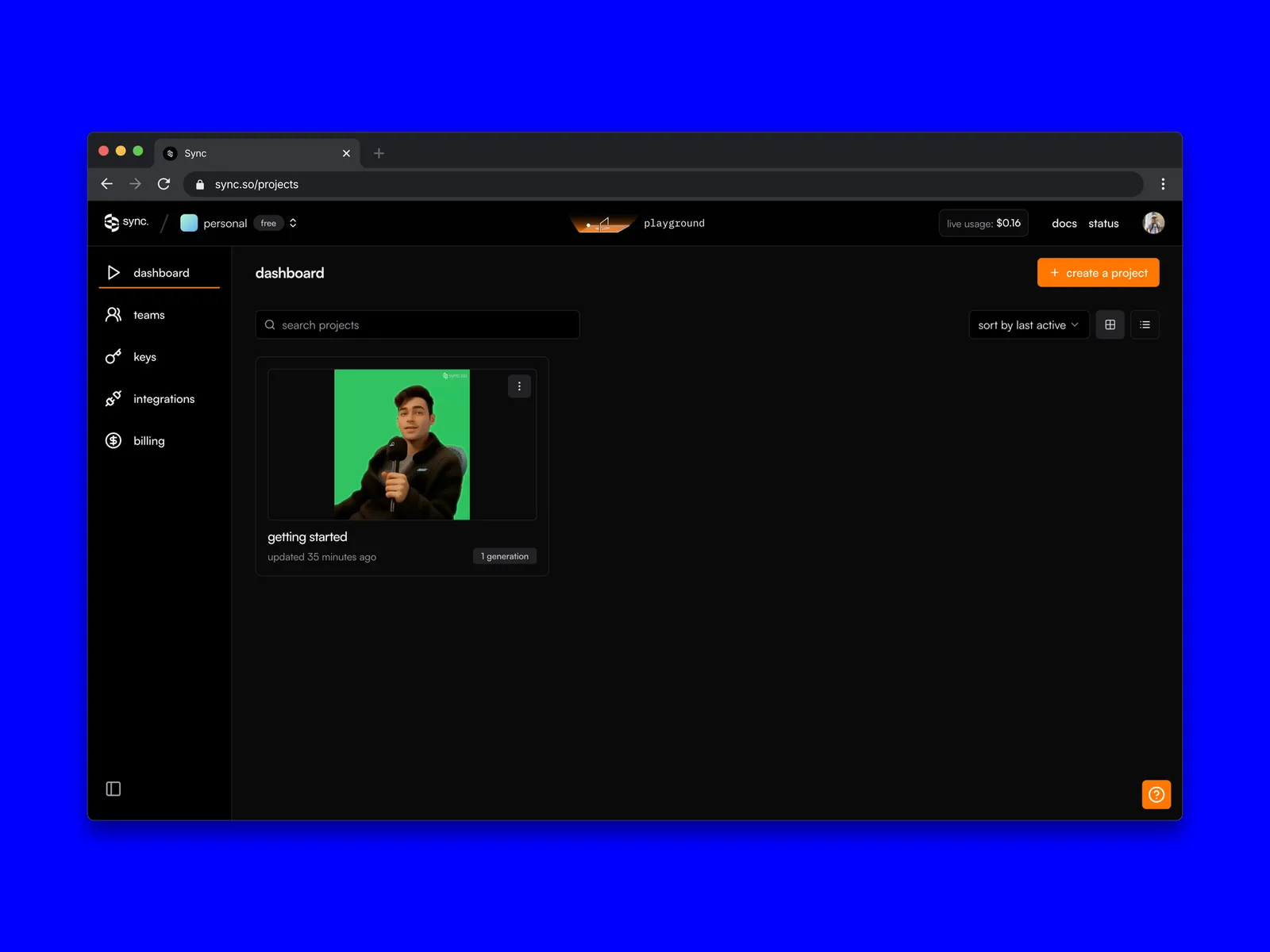
Anyone who has spent real time with an ai lip sync model knows the workflow: generate, tweak a parameter, generate again, save the good one, lose track of which version was the good one. After a week your dashboard looks like a garage sale.
We built Projects to fix that.
Projects let you group, organize, and share your lipsync work, by piece of content, by client, by experiment, however you naturally think about it. It’s the first piece of a broader redesign of the playground aimed at making it easier to actually collaborate inside sync., not just generate next to each other.
Why Projects?
Iterating shouldn’t feel like rummaging. From polishing a single hero video to stress-testing presets for a production app, Projects keep things in one place:
- Group generations & presets, every related run, iteration, and config lives together
- Share with your team, keep projects private, or visible across your org (public sharing coming soon)
- Stay in flow, compare results side by side, track changes, stop losing past work
Projects are the first step. The bigger plan is a playground that scales from “I’m trying one idea” to “we’re running a campaign across thirty videos in twelve languages” without changing tools.
How to get started
Create project flow in sync. playground
- Log in, you’ll land on the new Projects view by default
- Click create a project in the top right and fill out the form
- You’re dropped straight into the playground inside the new project. Start generating.
The future of AI experimentation starts here
Projects are the foundation. More is coming, the goal is a playground that feels less like a generation tool and more like a real environment for experimenting with lip sync ai at scale.
Tell us what’s missing, [email protected].