Use sync. labs with your agent
StudioEdit DialogueAPI
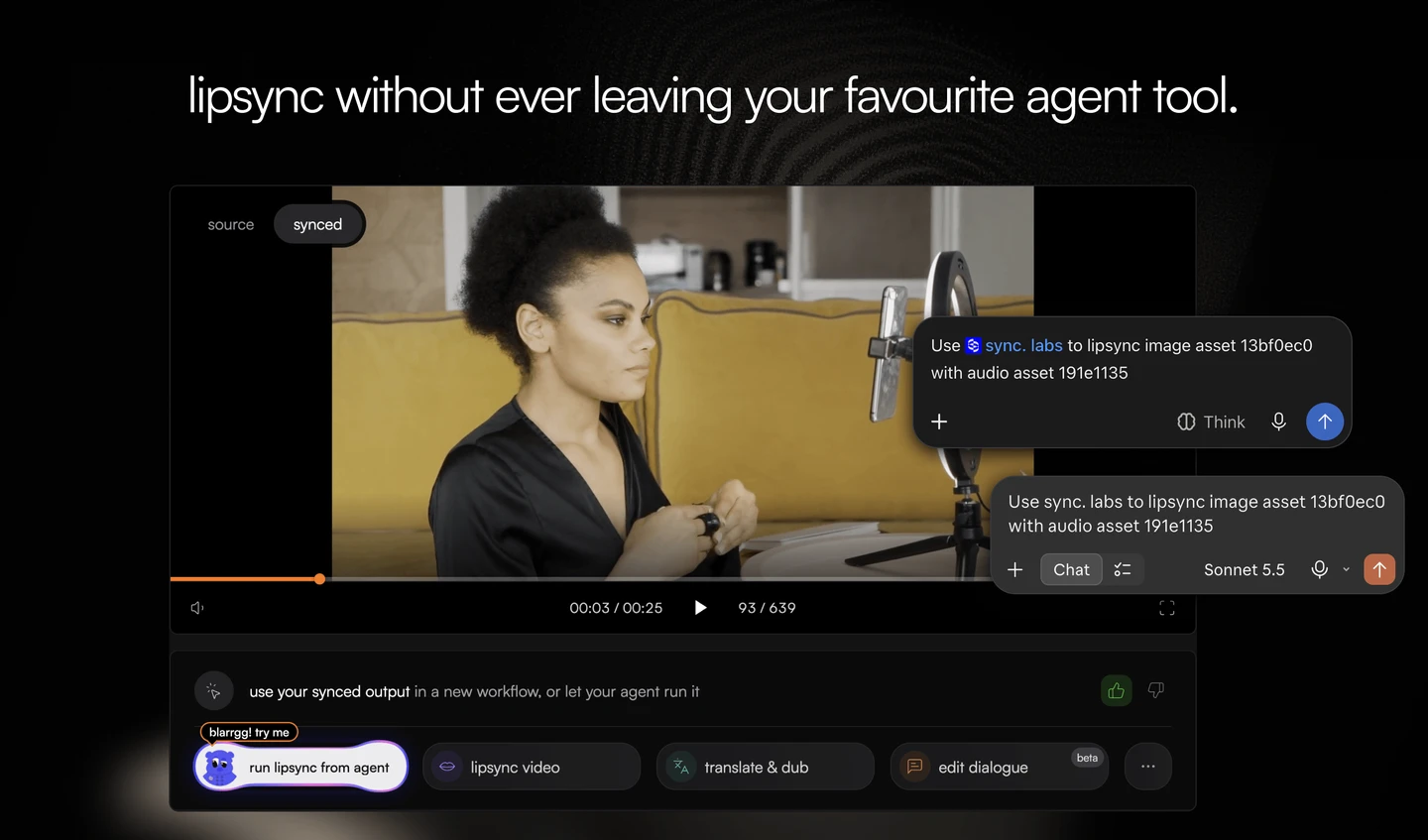
- Connect your agent from Studio - Settings > Agents & MCP brings setup instructions, connected agents, and sync. labs skills into one place. Choose your agent, follow its connection steps, and install the skills for your video workflows.
- Take a Studio workflow to your agent - On supported completed results, Do this with your agent gives you a ready-to-copy prompt to recreate the workflow through your own agent. Start with the video and settings you already used in Studio.
- Edit dialogue in longer videos - Single-speaker videos longer than 10 minutes can now use Edit Dialogue. Studio previews a window of up to 10 minutes around your edits and produces the full-length video when you sync. The edits in one preview must fit within that window.
- Find the right frame while scrubbing - Studio’s video seek bar shows a time and frame preview where thumbnails are available. In Advanced Studio, clicking or dragging the stage seek bar moves the timeline playhead. Touch screens keep the bar visible.
Improvements
- Completed speech previews from the Studio voice pane are saved to Assets, so earlier takes remain available after generating another. Saved takes use names from their scripts, and the workflow speech composer offers Download audio for an attached, stored clip.
- Settings > API keys now offers View usage for each key, showing its current billing-period total and breakdown. Incomplete or failed usage reads show temporarily unavailable instead of a misleading zero.
- API timeline requests can keep selected footage unchanged with
lipsync: falseand play one continuous audio track usingoutputAudio.refId. This requires standard storage and retention; custom output buckets, zero retention, and retention overrides are not supported. - Failed or cancelled camera-take uploads keep the preview and Apply action available for retry. Completed webcam takes play their recorded sound, with mute and volume controls.
- Voice creation waits while another sample is recording or being prepared, including while microphone permission is pending, so that sample is not left out.
- Mobile voice search announces the active keyboard choice to screen readers and returns focus to the picker button when closed. Closing the picker stops its preview without interrupting a new preview after reopening.
Bug fixes
- A timed-out voice clone now keeps its samples and offers a status check while recovery finishes, without submitting a second clone. Uploads and recovery stay tied to the workspace where you started.
- Downloads cancelled by browser click blockers now offer Download directly and Copy download link instead of reporting success.
- Advanced Studio preserves the full soundtrack across No lipsync ranges when your organization’s storage policy supports output audio.
- Temporary failures loading a team invitation offer Try again instead of calling the link invalid. Unknown invitation codes still show Invitation not found.
- Pressing Escape to cancel input-method composition in an API-key naming dialog keeps the dialog and entered name open.