

Dubbing — Studio
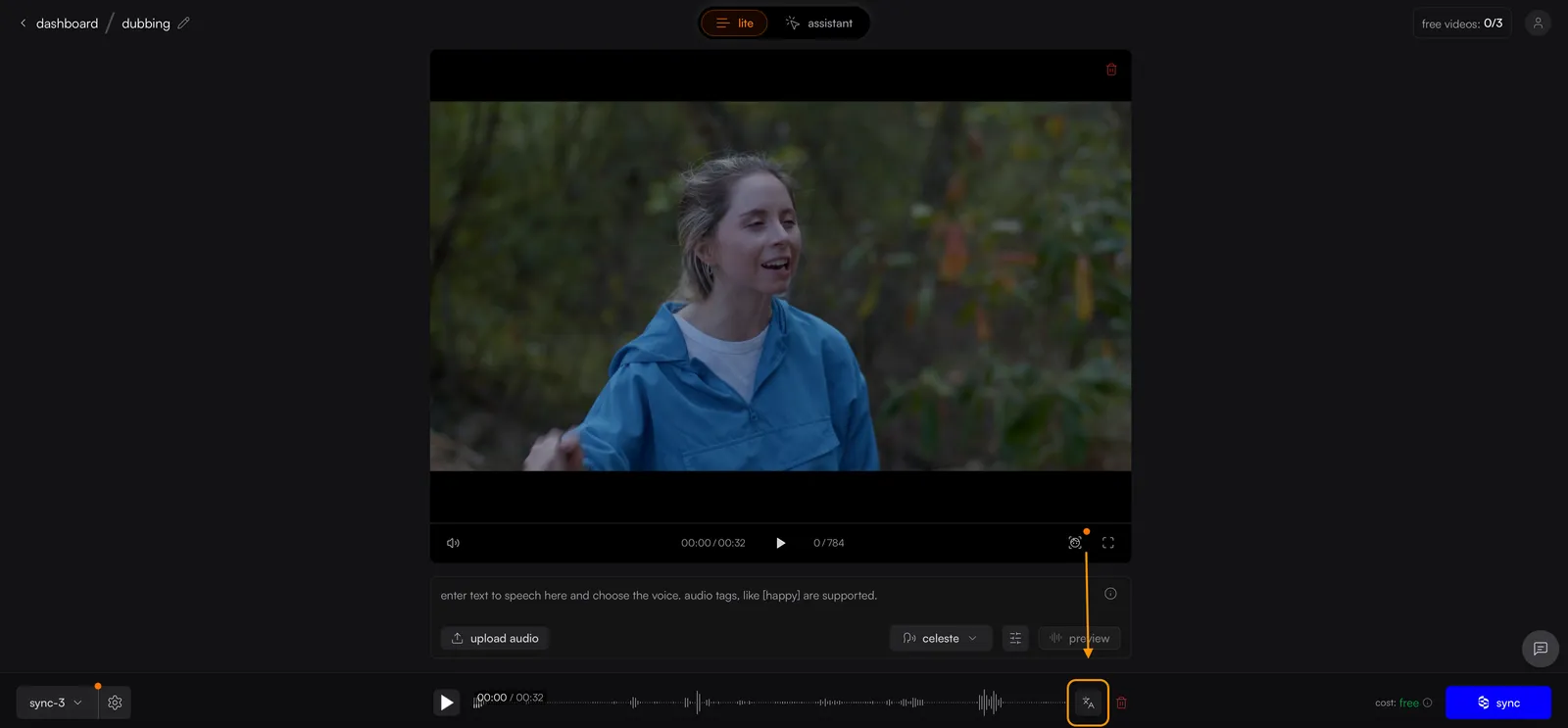
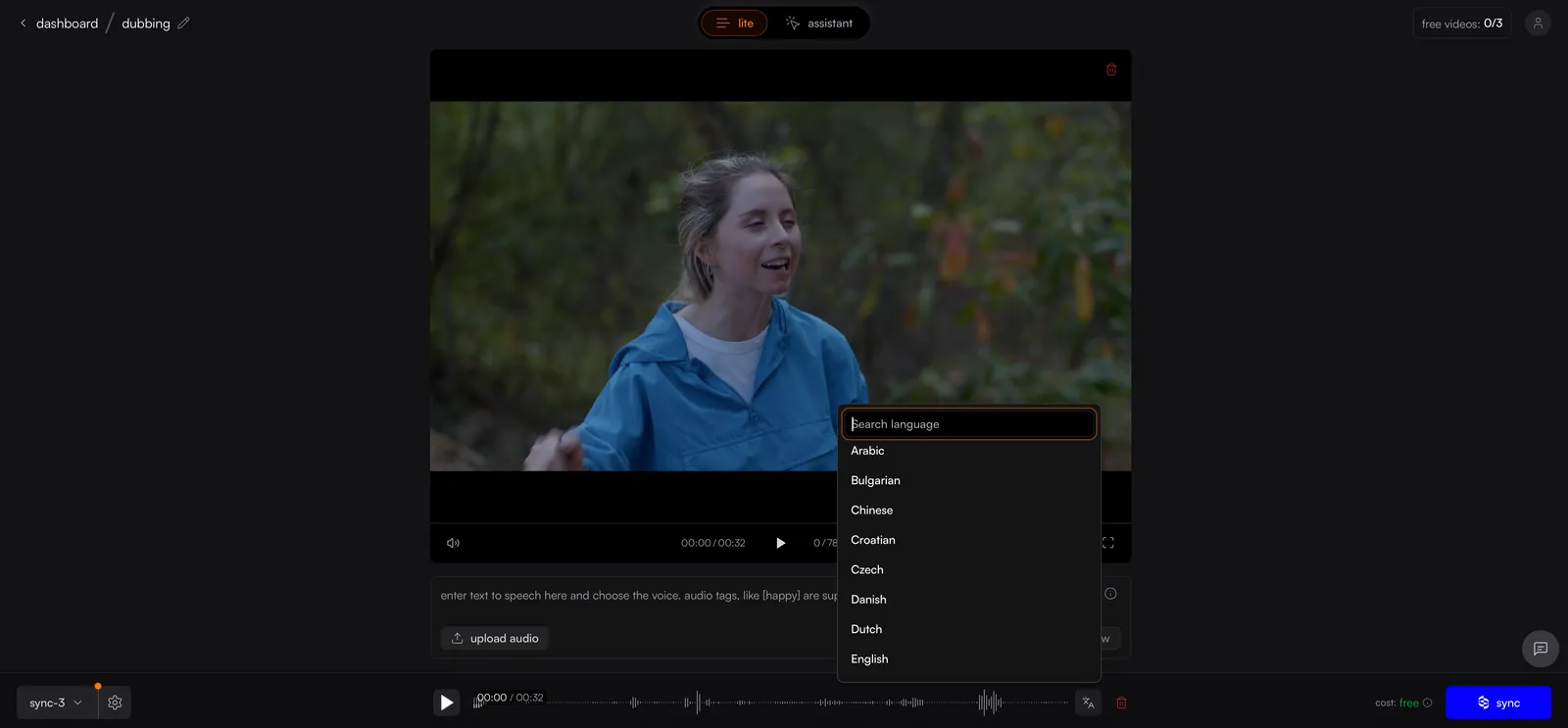
Dubbing lets you translate the audio in your video into another language with lip sync applied automatically. Upload your video and audio, pick a target language, and Sync Labs generates a dubbed output with matching lip movements.
Dubbing is supported across all Sync Labs models. Available languages are determined by the ElevenLabs dubbing endpoint.
What does dubbing cost?
A lip-synced dub has two charges: dubbing audio plus the selected lip sync model. See dubbing pricing for dollar rates, rounding, rollout timing, and connected ElevenLabs API keys. Credit-billed accounts use dubbing credit pricing.
Free accounts share 10 monthly audio generations between text-to-speech and dubbing. Up to 3 of those 10 can be dubbing, with a 20-second source limit per free dub. If you do not use dubbing, all 10 can be used for text-to-speech. Lip sync uses its own free allowance. See Free Trial.
Dubbing a Video
Upload your video and audio
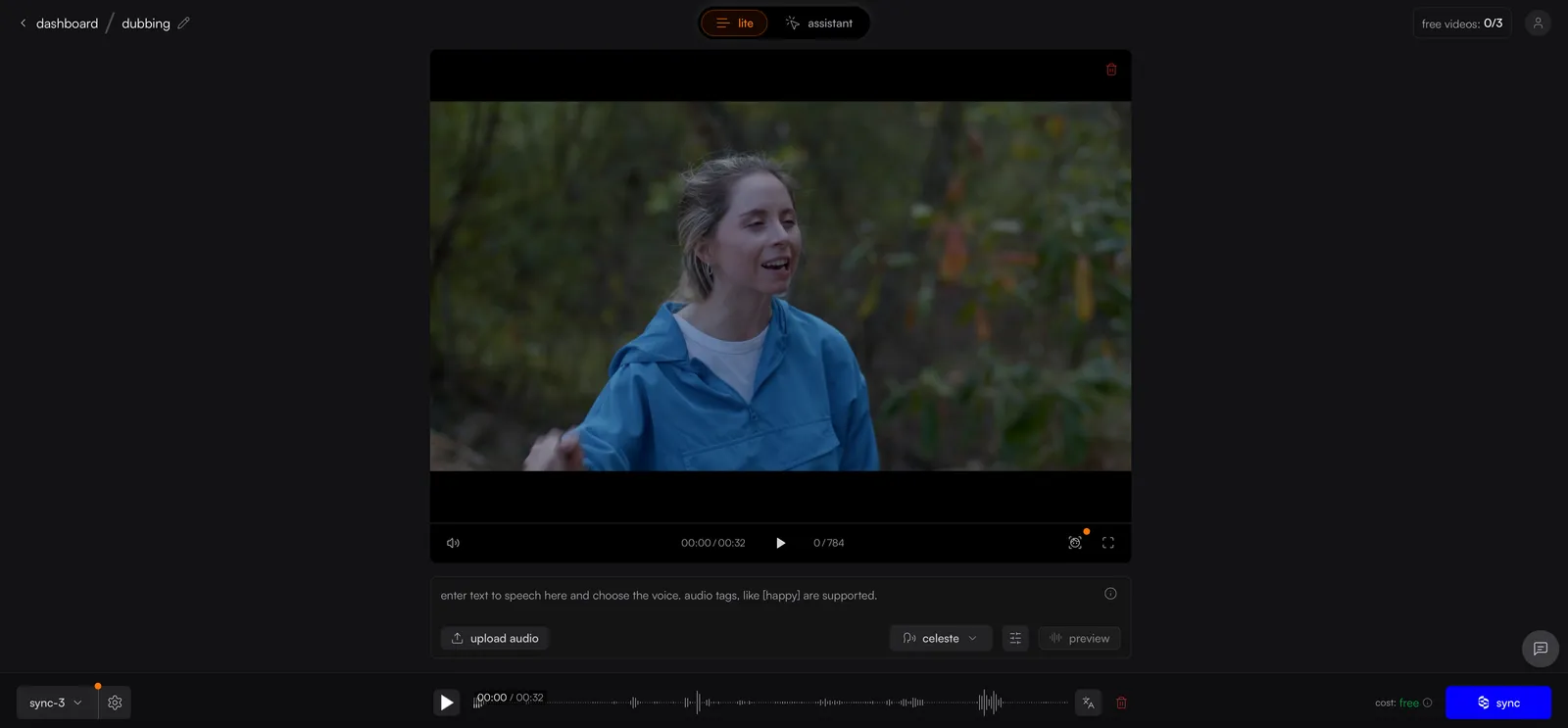
Create a new project and upload your source video. You can either upload a separate audio file using the upload audio button, or enter text in the script area to use text-to-speech.
Related Resources
- Quickstart — get started with your first Sync Labs generation
- Models — learn about supported Sync Labs models